
Create a clear path
Give new starters the freedom to work through content when it suits them. Where order matters, require key topics to be completed before they move on.












Paper forms, emailed PDFs and face-to-face inductions work when everyone is in one place. Across sites, shifts and roles, they get harder to deliver consistently and harder to track.
The Induction App puts the journey in one place. Your team spends less time repeating information, checking spreadsheets and chasing missing steps.
Give people the same essential start while tailoring relevant content to their role, team or site.
Give new starters the freedom to work through content when it suits them. Where order matters, require key topics to be completed before they move on.
Give each location, department or role the content it needs, without recreating the full onboarding journey.
Keep onboarding aligned with your latest policies, processes and role information. Prepare and preview updates before they go live, without interrupting the current experience.
Collect the details, documents and signatures your team needs before a new starter arrives, wherever they will be working. Create reusable agreements and contracts to make recurring paperwork easier to manage.
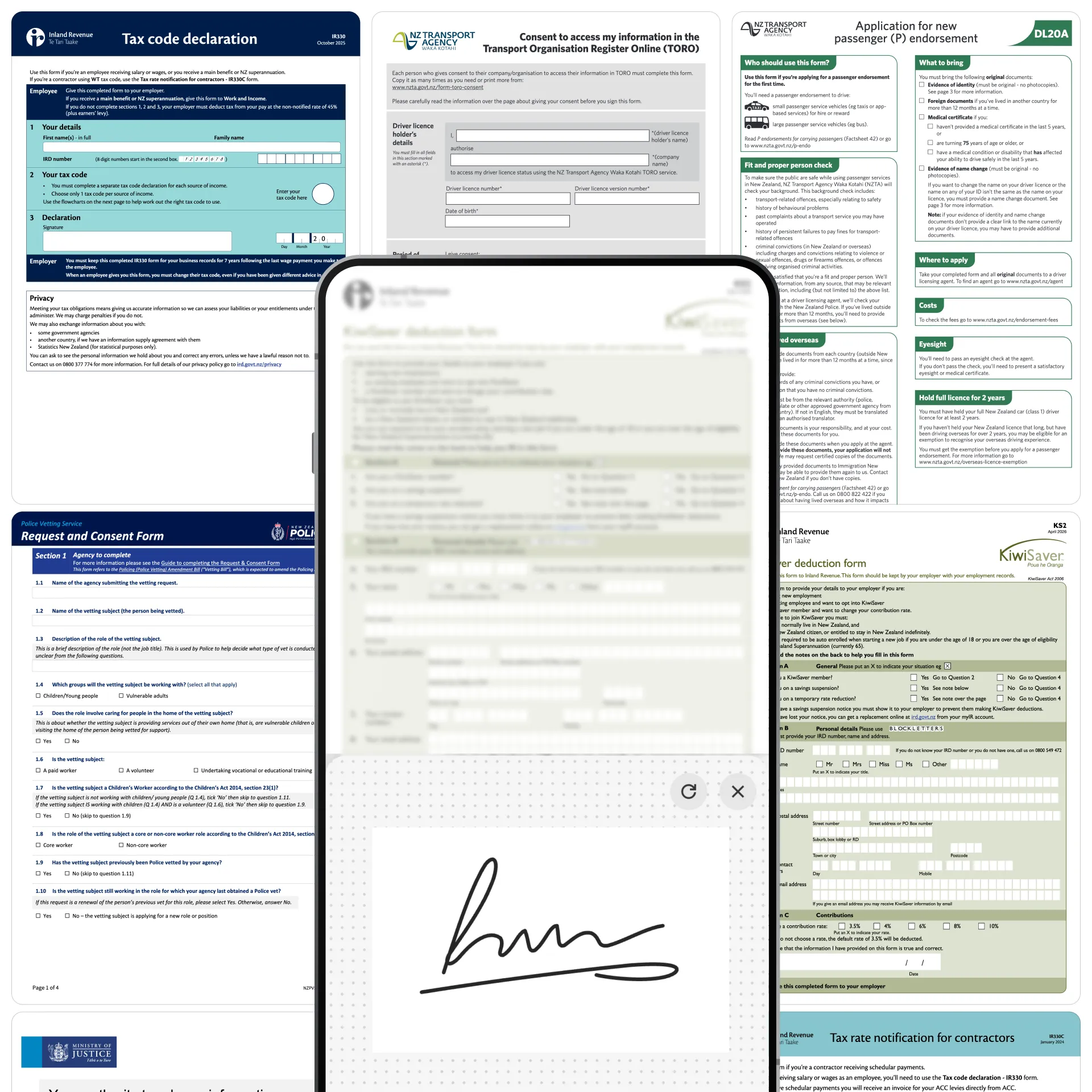
Capture details through digital forms.
Handle supporting files and sign-off in one process.
Monitor progress across people and locations.
Store completed paperwork with each employee record.
Share essential pre-start content at the right time.
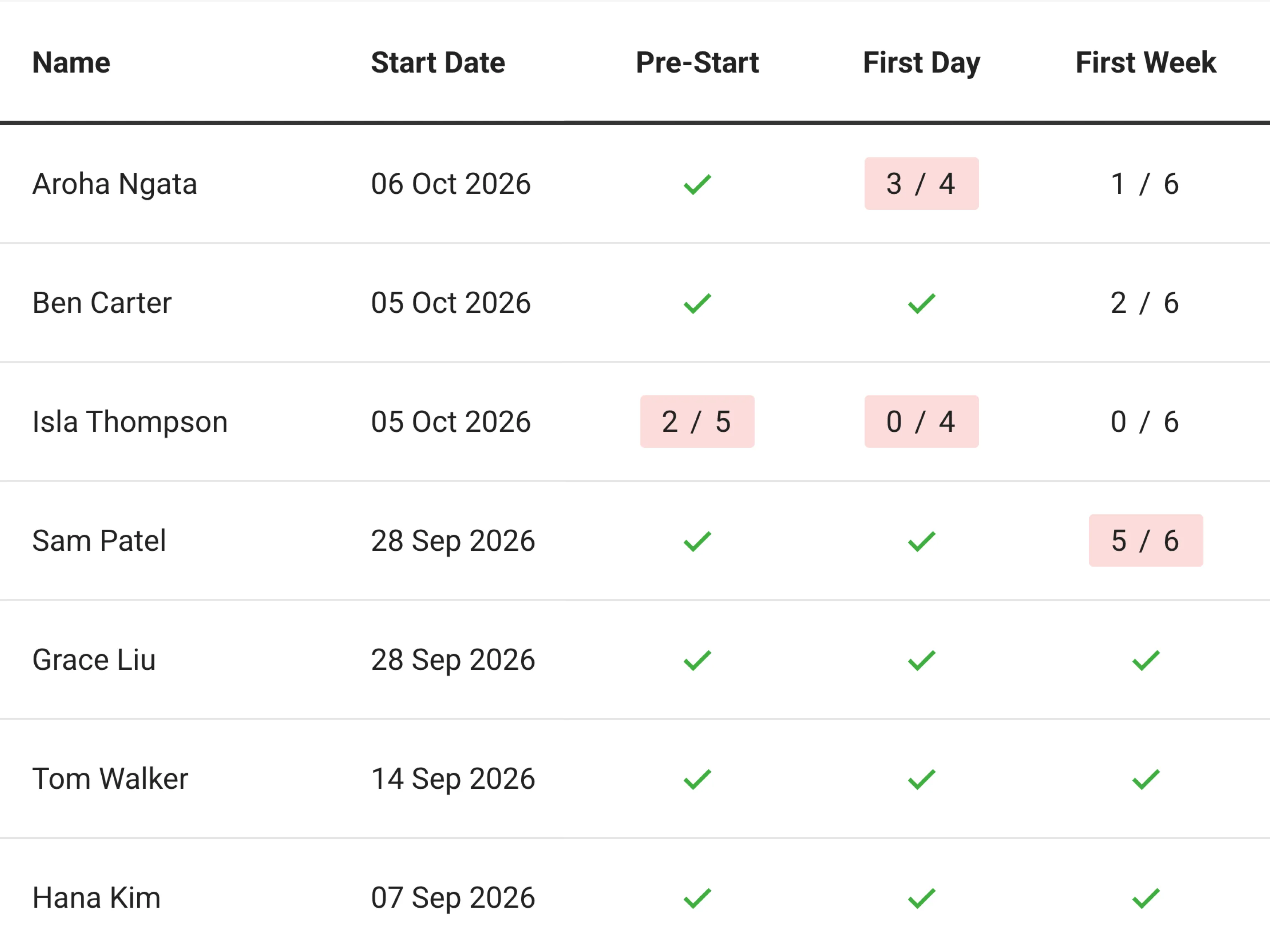
Track progress and outstanding work across people, teams and locations from one shared view. HR and managers can identify where a person is up to and follow up where support is needed.
Completion records, acknowledgements and checks for understanding provide clearer evidence of what was delivered and completed. They support your processes but do not guarantee legal or regulatory compliance.
Automated communication means managers spend less time repeating the same information.
Help managers focus conversations on the person and the practical realities of the role.
Give managers role-specific tasks, resources and completion tracking for more complex workflows.
Start with the policies, forms, videos, tasks and other onboarding material you already use.
Organise the content, apply your branding and configure relevant paths for your workforce.
Assign each new starter to the right journey and deliver content from pre-start onwards.
Review progress, gather feedback and update the journey as your organisation changes.
Support people across stores, sites, farms, facilities and field locations on the device available to them. The web-based platform works on phone, tablet, laptop or desktop without an app download.

“This app has streamlined the process for me saving me time on paperwork and follow up. They have this readily available on their phone and it gives them a simple process to follow”
Wairarapa Moana
HR Advisor

“The Induction App … has made our induction of staff immeasurably easier.”
SwimGym
Director

“The combination of a powerful platform and exceptional customer support has made it an invaluable tool for our company.”
Mitchell Daysh
Corporate Support

“It’s also allowed us to standardise all of our training, so every driver across driving Miss Daisy now receives the same standard of training.”
Driving Miss Daisy
Franchisee Business Support

“Everyone loves it! Your support has been fantastic, and I will rave about the Induction App wherever I go.”
Home Foundation
Group People & Culture Leader